
 AutoCaptions
 AutoCut Silences
 AutoCut Podcast
 AutoZoom
 AutoViral
 AutoB-Rolls
 AutoCut Repeat
 AutoProfanity Filter
 AutoChapters
 AutoResize
 Help Center
 Blog
Blog Discord
 YouTube
 Ambassador
Myriam HINDERER
2025-12-04
How to use Storyblocks directly in Premiere Pro with AutoCut
Looking for a faster way to add b-rolls in Premiere Pro ? AutoCut now integrates Storyblocks directly into AutoB-Rolls. Here’s how to get started.A
Why this update matters
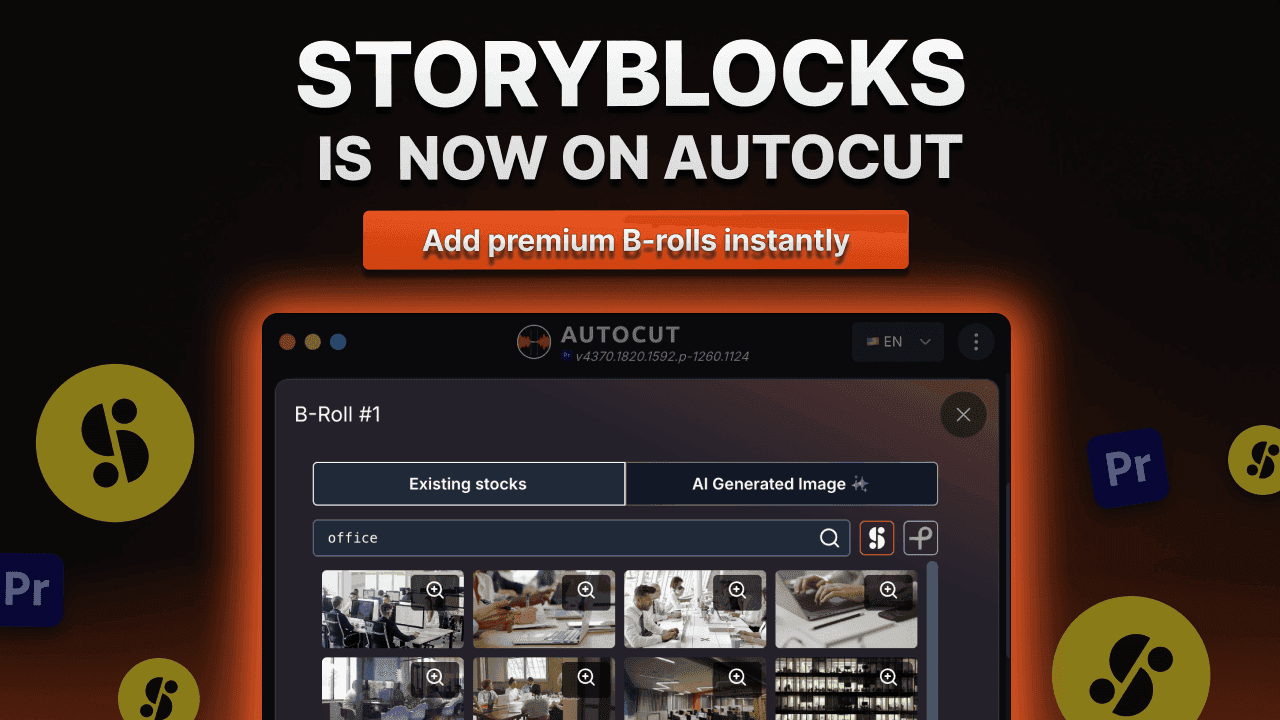
Adding Storyblocks makes AutoB-Rolls even more powerful for editors.
1. Use Storyblocks directly inside Premiere Pro
No external browsing, no downloads, no manual imports. AutoCut connects to Storyblocks and places the clips straight into your sequence.
2. A faster workflow
AutoCut analyzes your transcript and suggests relevant B-rolls automatically. With Storyblocks, the overall visual quality increases significantly.
3. Stay focused on your edit
Everything happens inside AutoCut, with no interruptions or extra tools.
4. More professional-looking videos
Better B-rolls instantly elevate your content, whether it’s a tutorial, talking head, product demo or short-form content.
What is AutoB-Rolls?
AutoB-Rolls is one of AutoCut’s most popular AI-powered features. It helps creators:
- Automatically insert relevant stock footage
- Match visuals to the transcript
- Avoid manual searching for B-rolls
- Place clips directly into the timeline
- Generate AI visuals when needed
And with Storyblocks added, the matches become even more coherent and visually polished.
How it works : add Storyblocks B-rolls in 3 simple steps
- Step 1 : Define sections and select audio language
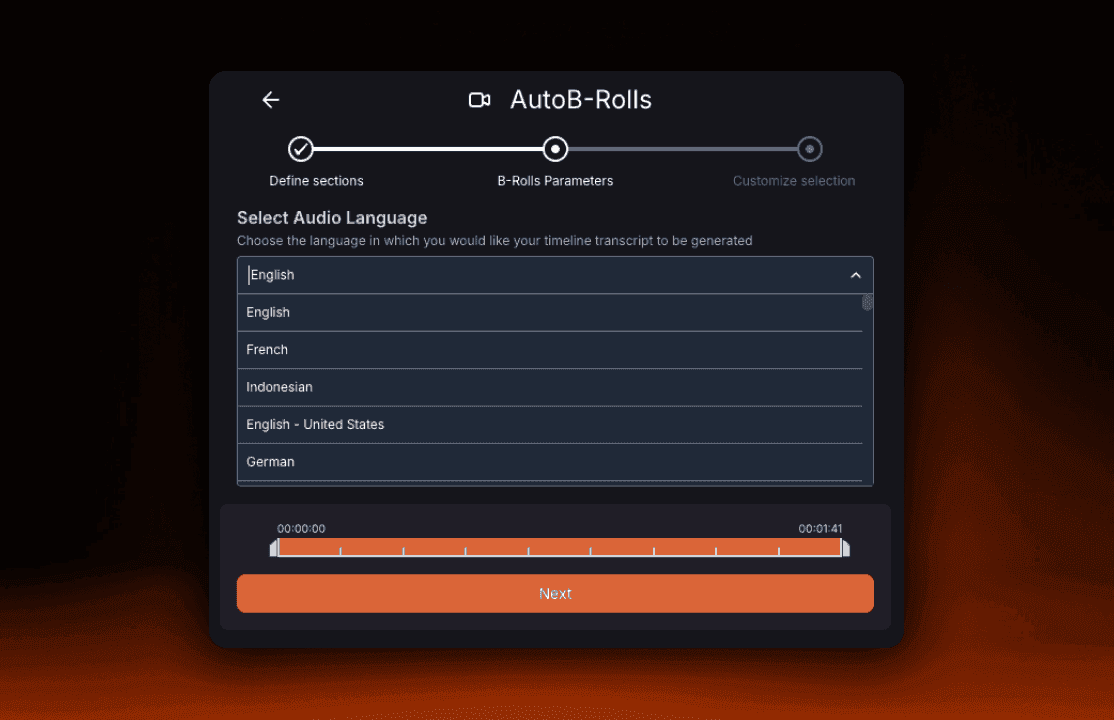
Update the audio sections to be processed by AutoCut and choose your audio language (from over 80 options).
- Step 2 : Detect B-Rolls sections
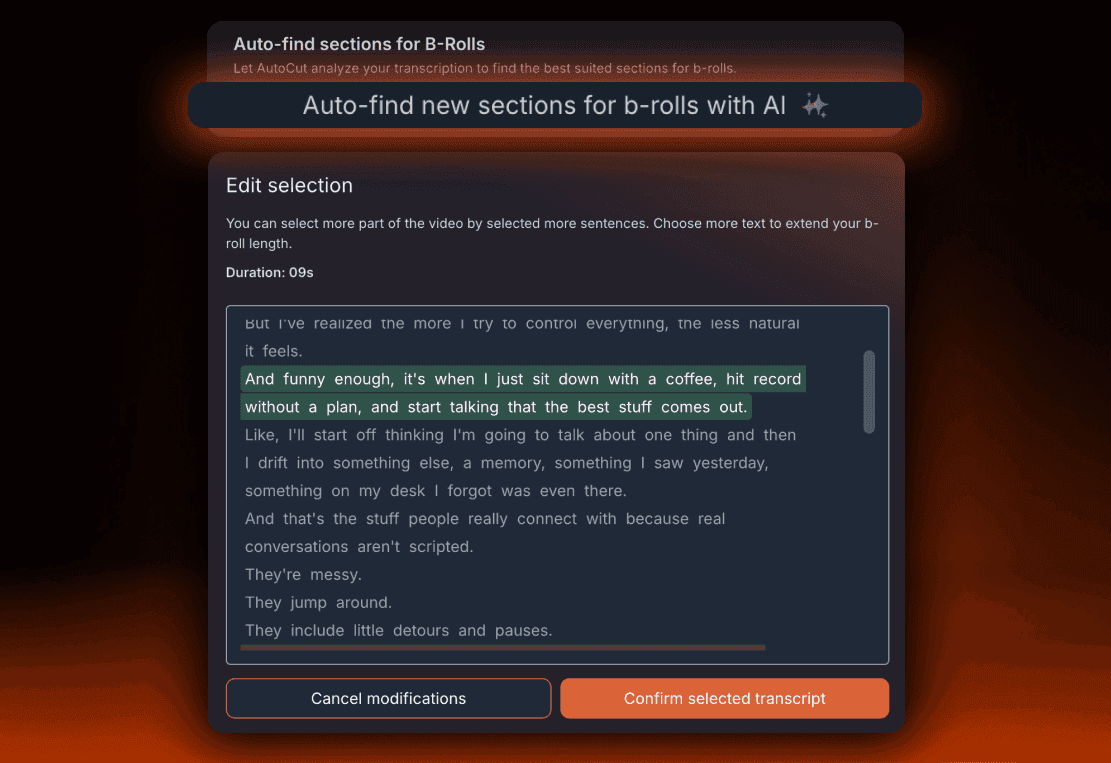
Use AI detection to instantly find where B-Rolls should be added or select the sections manually if you prefer full control.
- Step 3 : Add B-Rolls
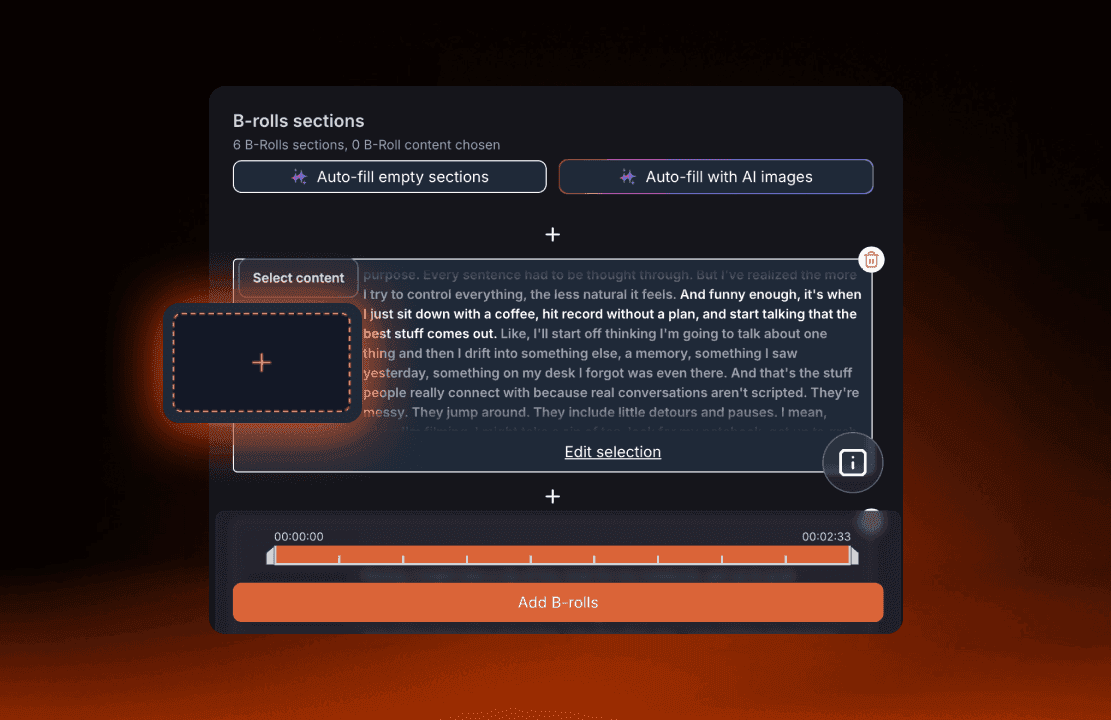
Once your sections are detected, simply click the “+” image panel to insert your B-rolls easily.
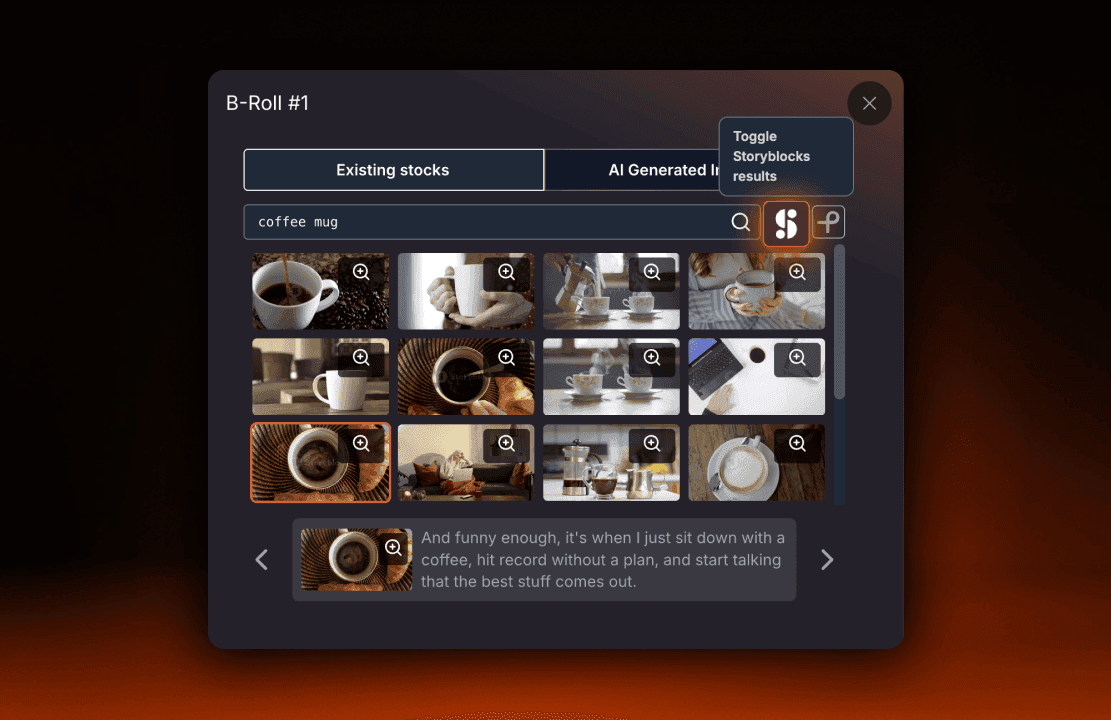
Click the Storyblocks icon on the right side of the screen to insert premium stock footage. AutoB-Rolls places everything directly into your timeline, ready to edit.
And that’s it, premium B-rolls in seconds, without ever leaving AutoCut.
Perfect for creators searching for:
- “Storyblocks Premiere Pro plugin”
- “How to use Storyblocks in Premiere Pro”
- “Automatically add Storyblocks B-rolls”
- “Premiere Pro B-roll plugin”
AutoCut lets you use Storyblocks faster than any manual workflow.
What’s coming next
AutoCut evolves fast, and several improvements are already planned:
- More stock library integrations
- Stronger AI image generation models
- Smarter transcript detection
- More granular timeline controls
AutoB-Rolls will continue to grow and become even more powerful. To make sure you never miss a new update, check our Updates page.
Try AutoB-Rolls with Storyblocks today
AutoCut works on both Premiere Pro and DaVinci Resolve. You can test it for free with a 14-day trial.
Myriam HINDERER
Chief Marketing & Communication Officer
Start your 14-day free trial
Elevate your editing process with AutoCut now!