





What’s new
AutoCut Updates
We keep AutoCut fresh with regular updates : new features & improvements so you can edit faster and smarter

Create highly customizable, animated captions for Premiere Pro.
AutoCaptions now includes Advanced Mode, a new way to turn a transcription into captions designed for your video. You can start with a ready-made style, then control how the text looks, where it appears, and how it moves on screen. You can style the whole video consistently, animate individual words, or give specific moments a different look. It’s designed for short-form and highly visual content, including the dynamic caption styles often seen on TikTok.
Simple Mode remains available for quick, clean captions on longer videos, interviews, and podcasts.
- Choose a preset or create your own
Explore a wide range of effects and public presets created by the community, or build your own. Customize the typography, colors, layout, animations, and sounds, then save your preset to use again.
- Animate one word at a time
Highlight or animate individual words to emphasize key moments. Apply a preset to all your captions at once, then customize specific sections where you want a different look.
- Edit with a full preview
Work from a complete preview page that expands into a larger editing workspace, so you can see your changes as you make them. Adjustable safe zones help you position captions for landscape, square, and portrait videos.
Advanced Mode is currently available in beta, exclusively for Premiere Pro users.
Automatically switch between multiple camera angles in Premiere Pro & DaVinci Resolve with AutoCut Angles.
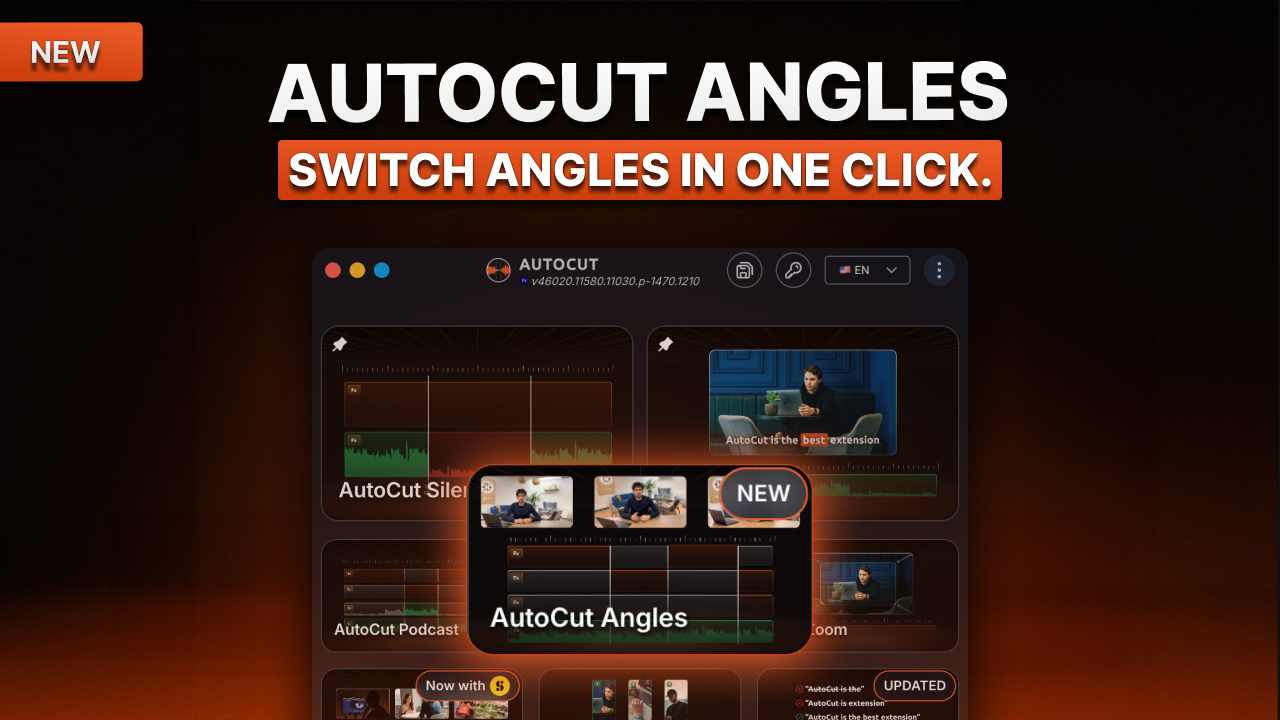
Built for solo creators recording with multiple cameras, AutoCut Angles automatically turns your footage into a dynamic multi-angle edit without manually deciding where every camera switch should go.
- Set up your cameras
Start by selecting the voice audio track AutoCut should analyze. For solo creators, this will usually be a single voice track.
Then add your different camera tracks, such as:
- Face cam
- Side camera
- Close-up shot
For each angle, you can adjust its camera priority to control how often it gets picked throughout the edit.
Want your main camera to appear most of the time and your close-up only occasionally? Simply adjust their priorities and let AutoCut handle the distribution.
- Choose what triggers a camera switch
AutoCut Angles lets you define when a new angle should appear by combining multiple switch triggers:
- Existing cuts: uses cuts already present on your camera tracks as switch points
- Silences: switches around pauses and speech transitions
- Emotion (AI): detects moments of higher intensity in your voice and uses them as natural opportunities to change angles
- Transcript (AI): analyzes what you're saying to identify relevant switch points, such as a topic change
You can combine several triggers and define a minimum shot duration to create a natural rhythm without overly frequent camera changes.
- Choose your editing workflow
With the classic workflow, AutoCut applies the camera switches directly to your timeline and disables or removes inactive clips.
With multicam editing mode, your original footage remains untouched. AutoCut creates a dedicated multicam sequence, giving you a fully non-destructive workflow and letting you manually change any camera choice afterward.
- Made for multi-angle solo content
AutoCut Angles is ideal for talking-head videos, YouTube videos, tutorials, online courses, product demos, reviews, educational content, and any solo content recorded from multiple camera angles.
- Combine it with other AutoCut features
Switch your camera angles with AutoCut Angles, remove pauses with AutoCut Silences, then add dynamic zooms with AutoZoom, combining AutoCut features to automate even more of your editing workflow.
Available now on Premiere Pro & DaVinci Resolve.
AutoCut is now fully available in Arabic (Modern Standard Arabic).
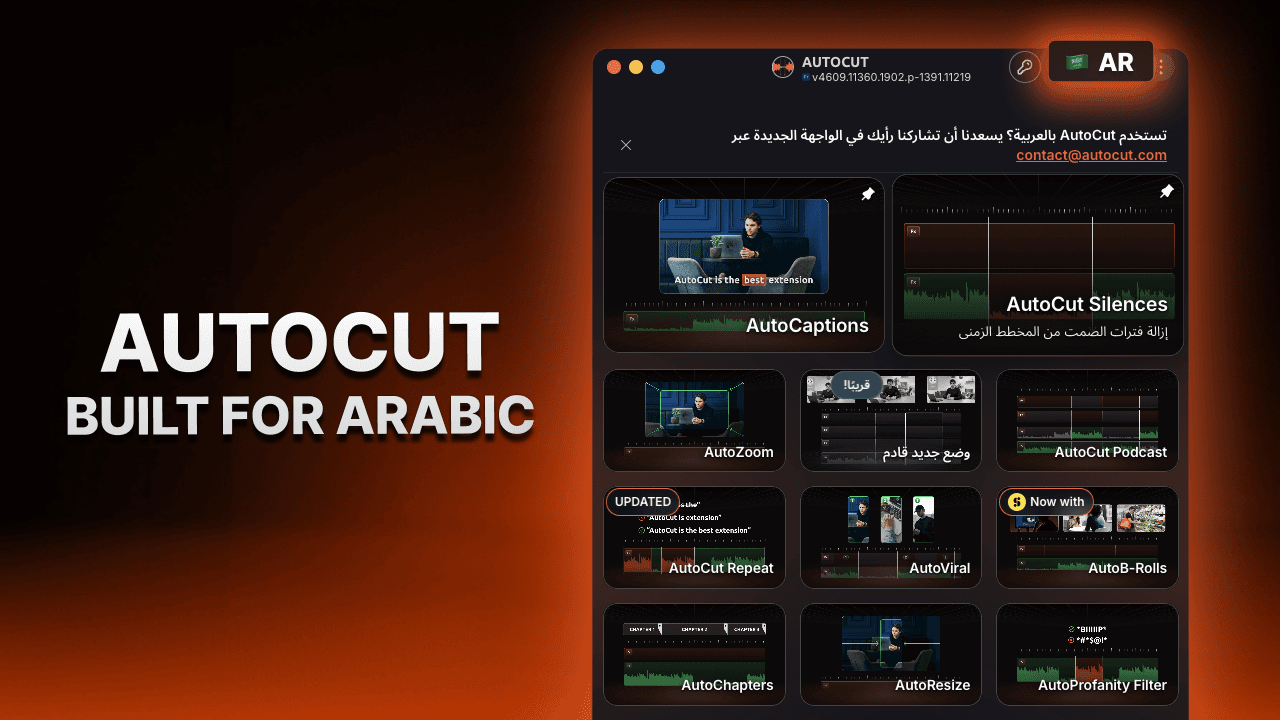
This isn't just a translated interface. AutoCut has been fully adapted to provide a natural experience for Arabic-speaking editors.
- Built for Arabic
The entire interface has been redesigned to support right-to-left (RTL) reading and navigation.
Menus, dialogs, settings, and every part of the plugin have been carefully adapted to match Arabic reading habits, delivering a seamless and intuitive editing experience.
- Automatic language detection
AutoCut now automatically detects your operating system language at launch.
If your OS language is supported, AutoCut will instantly open in that language, no setup required.
If your language isn't available yet, AutoCut will automatically fall back to English.
- A more accessible AutoCut
This update is another step toward making AutoCut accessible to editors around the world, with a truly native experience in every supported language.
Available now for all users.
AutoCut is now fully available in Turkish and Polish.
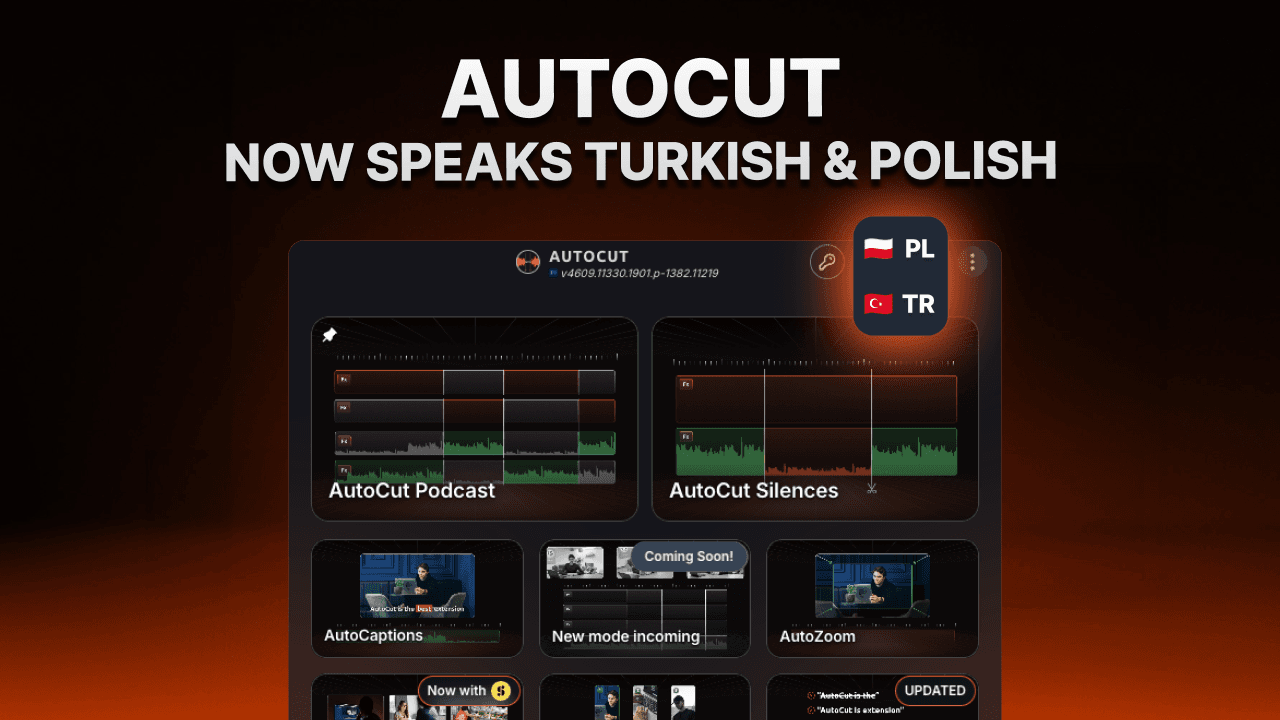
Until now, Turkish and Polish were already supported for AI-powered features such as transcription, captions, and translations. Starting today, the entire AutoCut interface is available in both languages.
- A fully localized experience
Menus, settings, dialogs, feature names, and every part of the interface have been translated, making AutoCut more intuitive for native speakers.
Whether you're removing silences, generating captions, editing podcasts or creating viral clips, you can now use AutoCut entirely in your own language.
- A community-driven update
This localization has been one of the most requested improvements from our Turkish and Polish communities.
We're committed to making AutoCut accessible to creators everywhere by continuously expanding the languages supported across the entire product.
Available now for all users.
We’ve redesigned the AutoCut homepage to make the plugin more intuitive, more modern, and easier to navigate.
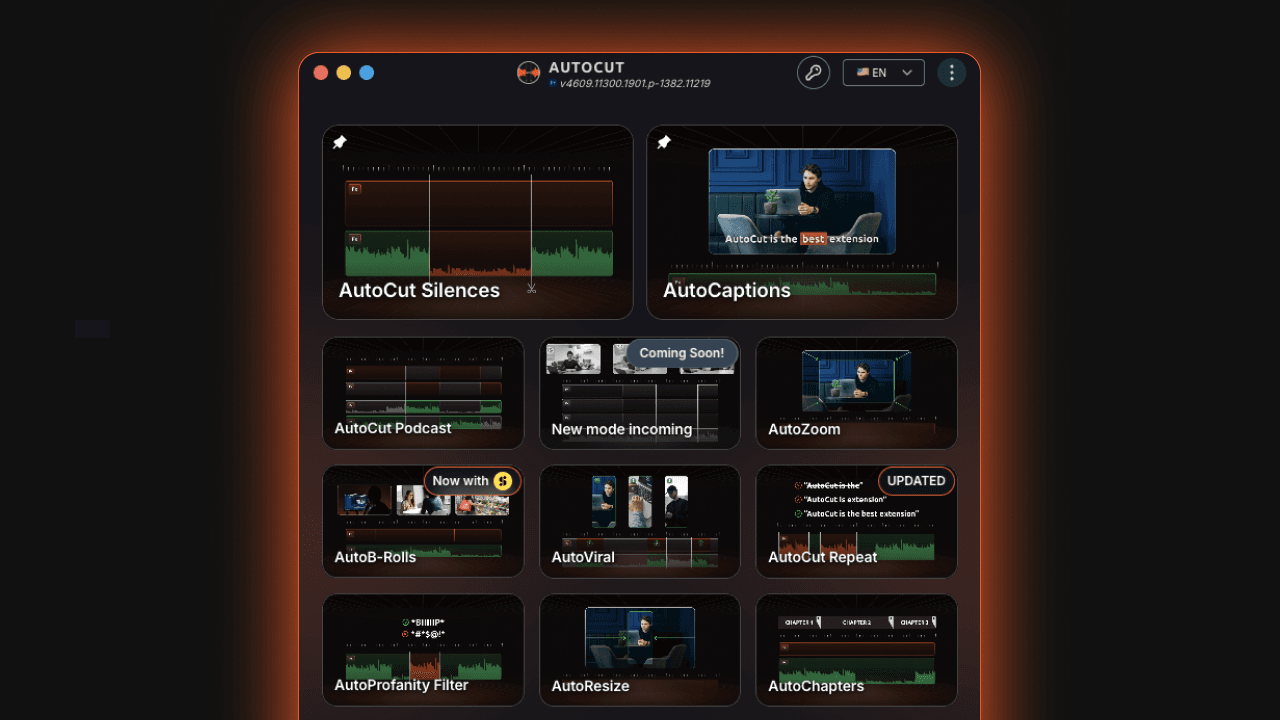
- A cleaner and more visual interface
The homepage now offers a more polished and user-friendly experience, making it easier to quickly find and launch your favorite features.
- Pin your favorite modes
You can now pin your 2 most-used AutoCut modes directly on the homepage for faster access and a workflow tailored to your habits. Simply click the pin icon on any feature to keep it at the top.
- Faster access to support
Need help? A new support shortcut is now available at the bottom right of the interface, giving you direct access to our customer support team and Help Center articles without leaving AutoCut.
- Always stay up to date
The latest product updates remain accessible at any time through the integrated changelog, so you can quickly see what’s new across AutoCut.
Available now for all users.