





Myriam HINDERER
Chief Marketing & Communication Officer
2026-04-29
AutoCut April updates: more control across your editing workflow
This month, AutoCut introduces a new set of improvements designed to do one thing well: give you more control over AI, without adding complexity to your workflow. From smarter video structuring to better viral detection and a simplified dashboard, these updates focus on reducing friction where it actually matters.
Summarize content with
 Chatgpt
 Mistral
 Gemini
 Perplexity
AutoCut continues to improve how editors work inside Adobe Premiere Pro and DaVinci Resolve.
This April, 3 key areas have been upgraded:
- AutoChapters
- AutoViral
- AutoCut web dashboard
AutoChapters: more control over video structure
AutoChapters now gives you much more flexibility in how your content is segmented.
You can:
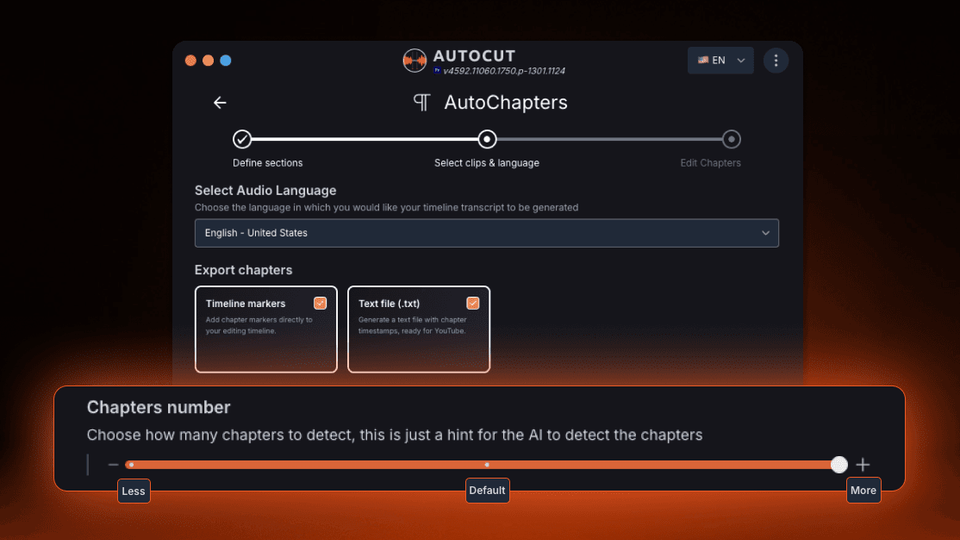
- Adjust the number of chapters (less / default / more)
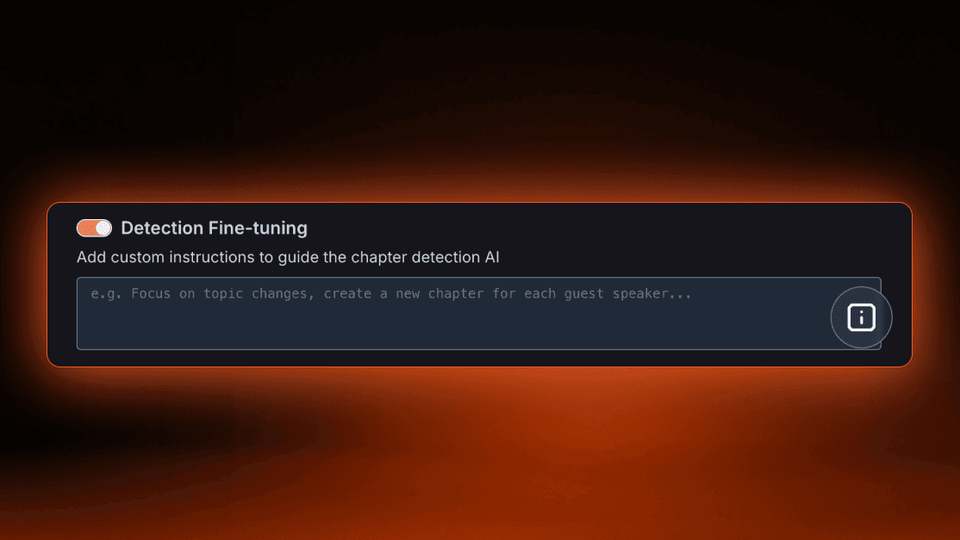
- Add custom instructions to guide the AI (topics, speakers, structure)
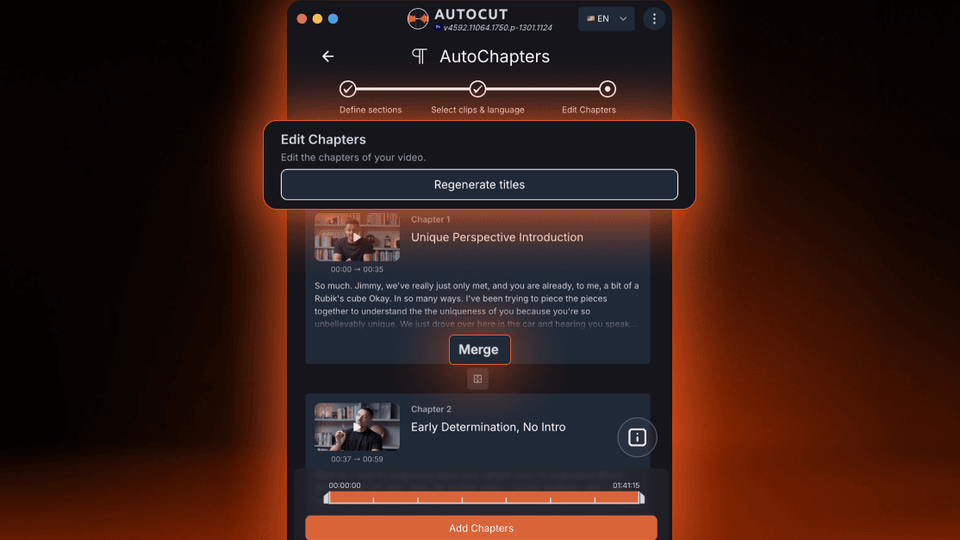
- Regenerate chapter titles in one click and merge chapters
This means you’re no longer just generating chapters. You’re defining how your video is structured.
Key benefits:
- Less manual work
- More relevant chapters
- Better viewing experience
- Faster structuring for long-form content
AutoViral: detection that adapts to your content
AutoViral now scales with your timeline.
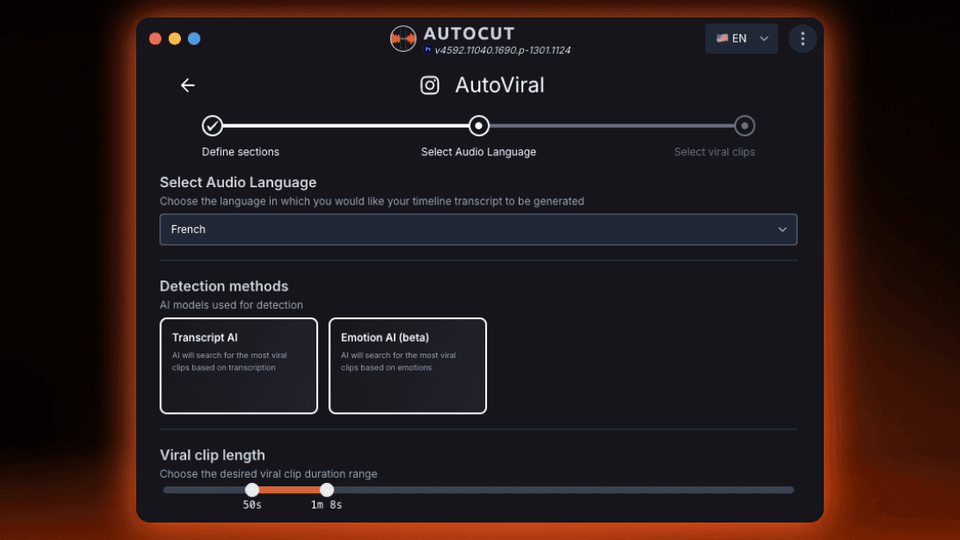
The number of detected segments is no longer limited to 10.
It now adapts dynamically to the length of your content:
- Long videos: more segments
- Short videos: fewer, more precise suggestions
This improves coverage across your entire video and ensures important moments are no longer missed.
Instead of manually reviewing your footage, you can turn one video into multiple ready-to-publish clips in minutes.
Key benefits:
- Better long-form coverage
- More relevant clips
- Faster content repurposing
AutoCut Web Dashboard: less friction, more clarity
The AutoCut web dashboard (app.autocut.com) has been redesigned to simplify subscription management.
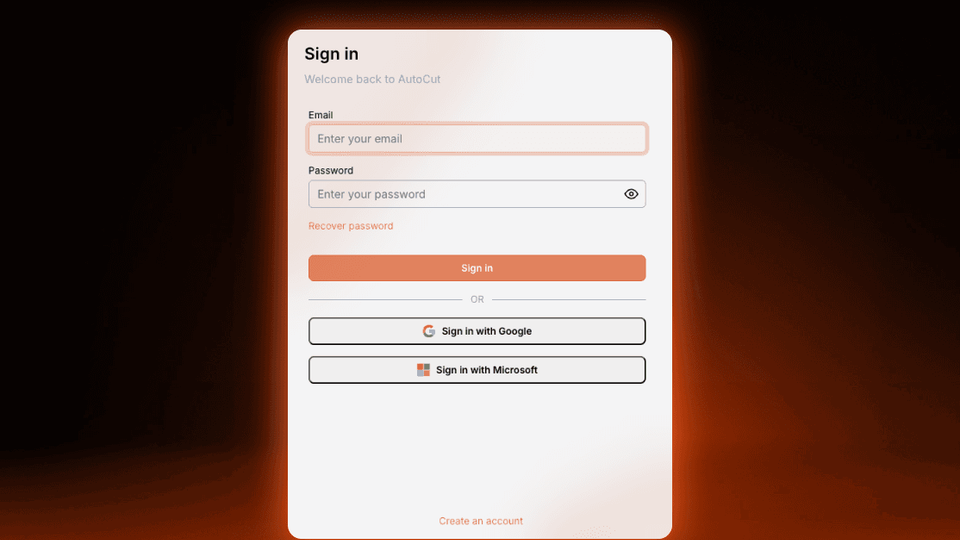
You now get:
- Cleaner navigation
- Easier access to licenses and invoices
- Faster plan management
You can also sign in instantly using Google or Microsoft, making access faster and frictionless.
In a Product-Led Growth model, reducing friction outside the product is critical.
Less time managing your account = more time editing.
Manage your account here: https://app.autocut.com/dashboard
Always up-to-date, automatically
All AutoCut updates are deployed automatically.
- No download required
- No manual installation
- No interruption to your workflow
You instantly benefit from every improvement as soon as it’s released.
Explore all updates: https://www.autocut.com/en/updates/
Why it matters
These updates follow a clear direction:
- More control over AI outputs
- Better adaptation to your content
- Less friction across the entire workflow
AutoCut continues to focus on what matters most: helping you edit faster, without breaking your flow.
All these updates are live. Start your 14-day free trial, no credit card required.
Myriam HINDERER
Chief Marketing & Communication Officer