 AutoCaptions
 AutoCut Silences
 AutoCut Podcast
 AutoZoom
 AutoViral
 AutoB-Rolls
 AutoCut Repeat
 AutoProfanity Filter
 AutoChapters
 AutoResize
 Help Center
 Blog
Blog Discord
 YouTube
 Ambassador
This tool is amazing for Premiere Pro! It makes editing so much faster and easier. I can't imagine working without it!

AutoCut is the AI video editing plugin for Premiere Pro and DaVinci Resolve. It handles silences, captions, podcast cuts, B-rolls, reframing, and more—right inside your timeline.
14-day free trial • No credit card required • All features included
 ★★★★★4.7/5 on Trustpilot
 ★★★★★4.7/5 on Google
14-day free trial • No credit card required • All features included



 Adobe Premiere Pro
 Viral QA_1_1.prproj\AutoCut\Zoom - V2
 00:01:45:26

 V2
V2 V1A1MS
 A2MSAutoCut
 AutoCut Silences
Trusted by editors from leading companies









Customer stories
Hear from creators and professional editors who use AutoCut to move faster through repetitive work.
This tool is amazing for Premiere Pro! It makes editing so much faster and easier. I can't imagine working without it!
Boston Evans
What I like most about AutoCut is how intuitive and time-saving it is, it helps me focus on creativity instead of spending hours on repetitive tasks. It’s a real game-changer for both beginners and professionals!

Huy Nguyen
AutoCut has completely changed the way I edit my videos! It saves me so much time, making my workflow faster and smoother. The accuracy is amazing, and it keeps my content looking sharp and professional. I love it!

Diego Alves
I found it to be a practical and very fast program for cutting and subtitles. I always use AutoCut and want to continue using it for my projects. I will recommend AutoCut to everyone I know who uses video editors like Davinci Resolve.

Waldenio Junior
Excellent plugin. Saved a tremendous amount of time!

Nadir A.
10/10 service. I typically record for about 1 hour and I’m always having issues with speaking perfectly throughout the whole video. Using auto cut has made my editing come from 6 hours to about 30 minutes. It’s so easy!

Harry Nash
In all honesty, the specificity of your product saves a lot of time and effort spent on work, and it is worth paying money to buy your product.

Ahmed
AutoCut has revolutionized my video editing workflow in Premiere Pro. Its AI-driven features save me valuable time while enhancing the quality of my content. It's a must-have tool for efficient and creative video editing. Highly recommended!

Film by ARIF
This tool is amazing for Premiere Pro! It makes editing so much faster and easier. I can't imagine working without it!
Boston Evans
What I like most about AutoCut is how intuitive and time-saving it is, it helps me focus on creativity instead of spending hours on repetitive tasks. It’s a real game-changer for both beginners and professionals!
Huy Nguyen
AutoCut has completely changed the way I edit my videos! It saves me so much time, making my workflow faster and smoother. The accuracy is amazing, and it keeps my content looking sharp and professional. I love it!
Diego Alves
I found it to be a practical and very fast program for cutting and subtitles. I always use AutoCut and want to continue using it for my projects. I will recommend AutoCut to everyone I know who uses video editors like Davinci Resolve.
Waldenio Junior
Excellent plugin. Saved a tremendous amount of time!
Nadir A.
10/10 service. I typically record for about 1 hour and I’m always having issues with speaking perfectly throughout the whole video. Using auto cut has made my editing come from 6 hours to about 30 minutes. It’s so easy!
Harry Nash
In all honesty, the specificity of your product saves a lot of time and effort spent on work, and it is worth paying money to buy your product.
Ahmed
AutoCut has revolutionized my video editing workflow in Premiere Pro. Its AI-driven features save me valuable time while enhancing the quality of my content. It's a must-have tool for efficient and creative video editing. Highly recommended!
Film by ARIF
This tool is amazing for Premiere Pro! It makes editing so much faster and easier. I can't imagine working without it!
Boston Evans
What I like most about AutoCut is how intuitive and time-saving it is, it helps me focus on creativity instead of spending hours on repetitive tasks. It’s a real game-changer for both beginners and professionals!
Huy Nguyen
AutoCut has completely changed the way I edit my videos! It saves me so much time, making my workflow faster and smoother. The accuracy is amazing, and it keeps my content looking sharp and professional. I love it!
Diego Alves
I found it to be a practical and very fast program for cutting and subtitles. I always use AutoCut and want to continue using it for my projects. I will recommend AutoCut to everyone I know who uses video editors like Davinci Resolve.
Waldenio Junior
Excellent plugin. Saved a tremendous amount of time!
Nadir A.
10/10 service. I typically record for about 1 hour and I’m always having issues with speaking perfectly throughout the whole video. Using auto cut has made my editing come from 6 hours to about 30 minutes. It’s so easy!
Harry Nash
In all honesty, the specificity of your product saves a lot of time and effort spent on work, and it is worth paying money to buy your product.
Ahmed
AutoCut has revolutionized my video editing workflow in Premiere Pro. Its AI-driven features save me valuable time while enhancing the quality of my content. It's a must-have tool for efficient and creative video editing. Highly recommended!
Film by ARIF
This tool is amazing for Premiere Pro! It makes editing so much faster and easier. I can't imagine working without it!
Boston Evans
What I like most about AutoCut is how intuitive and time-saving it is, it helps me focus on creativity instead of spending hours on repetitive tasks. It’s a real game-changer for both beginners and professionals!
Huy Nguyen
AutoCut has completely changed the way I edit my videos! It saves me so much time, making my workflow faster and smoother. The accuracy is amazing, and it keeps my content looking sharp and professional. I love it!
Diego Alves
I found it to be a practical and very fast program for cutting and subtitles. I always use AutoCut and want to continue using it for my projects. I will recommend AutoCut to everyone I know who uses video editors like Davinci Resolve.
Waldenio Junior
Excellent plugin. Saved a tremendous amount of time!
Nadir A.
10/10 service. I typically record for about 1 hour and I’m always having issues with speaking perfectly throughout the whole video. Using auto cut has made my editing come from 6 hours to about 30 minutes. It’s so easy!
Harry Nash
In all honesty, the specificity of your product saves a lot of time and effort spent on work, and it is worth paying money to buy your product.
Ahmed
AutoCut has revolutionized my video editing workflow in Premiere Pro. Its AI-driven features save me valuable time while enhancing the quality of my content. It's a must-have tool for efficient and creative video editing. Highly recommended!
Film by ARIF
From rough cuts and captions to podcast switching and social clips, AutoCut handles repeatable steps without pulling you out of the edit.
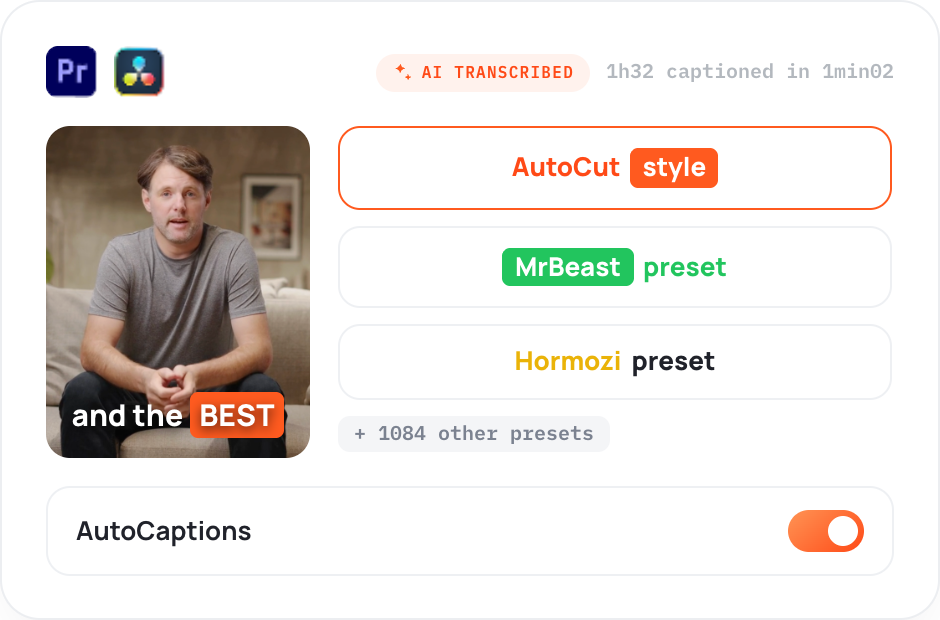
AutoCaptions
Publish-ready captions without the manual timing
Generate, style, and translate animated captions without leaving your edit.
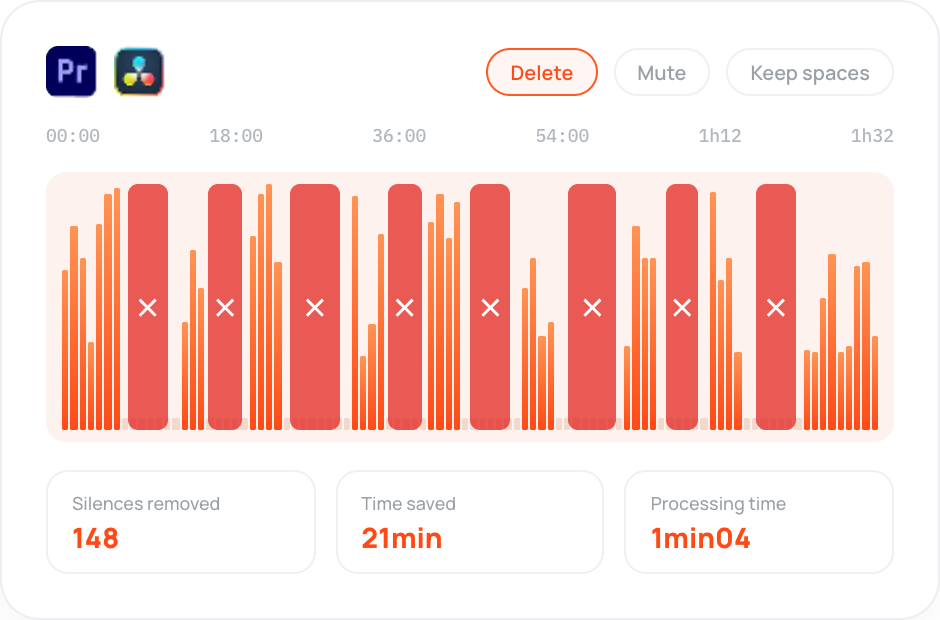
AutoCut Silences
Tighter cuts without trimming every pause
Detect and remove dead air automatically, so your video keeps moving.
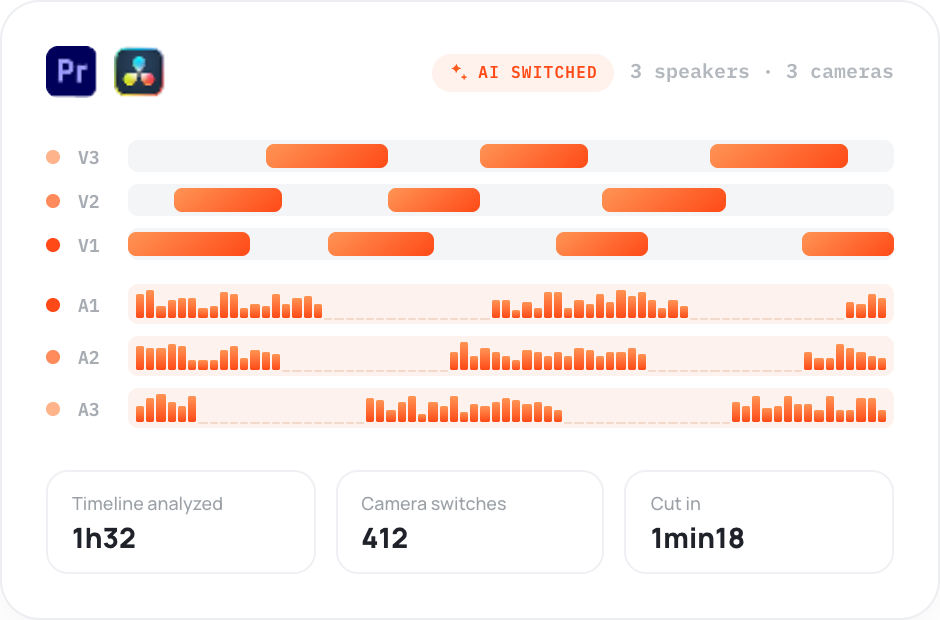
AutoCut Podcast
A faster first pass for multicam edits
Detect speakers and switch camera angles automatically, so your multicam edit starts further ahead.
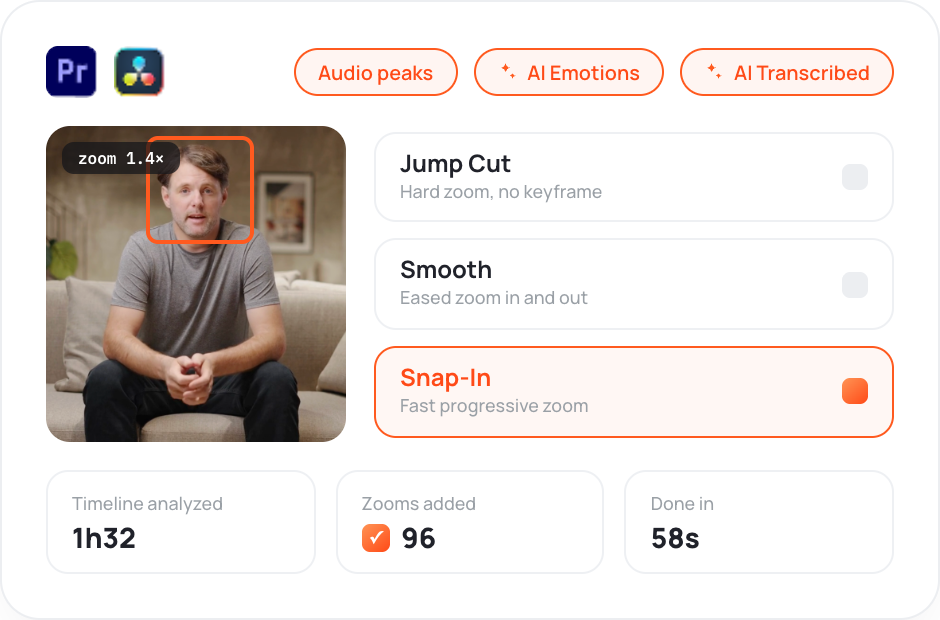
AutoZoom
More movement without manual keyframes
Add smooth, well-timed zooms automatically to keep talking-head edits moving.
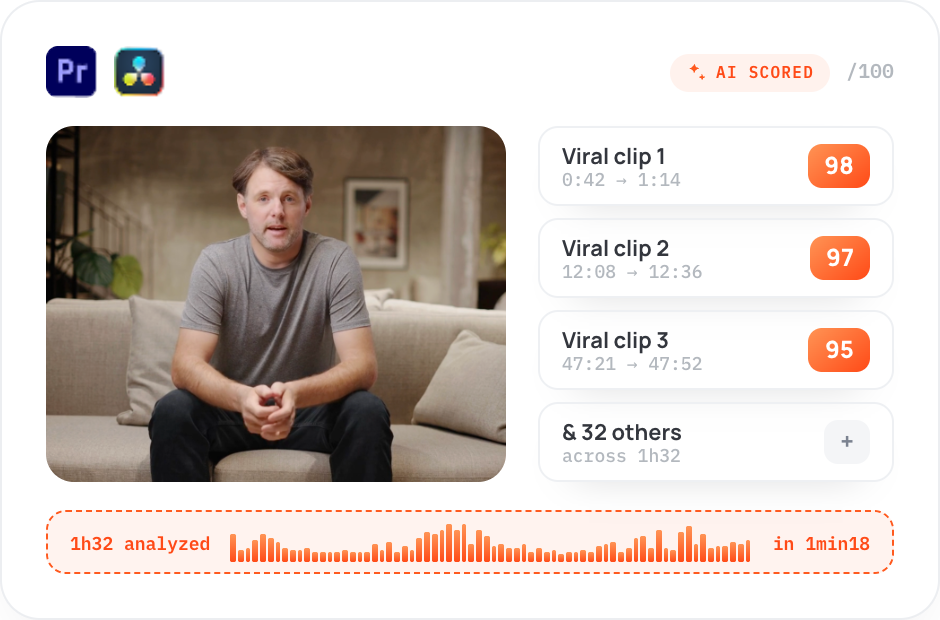
AutoViral
Find the strongest moments in long videos and turn them into short clips ready to refine.
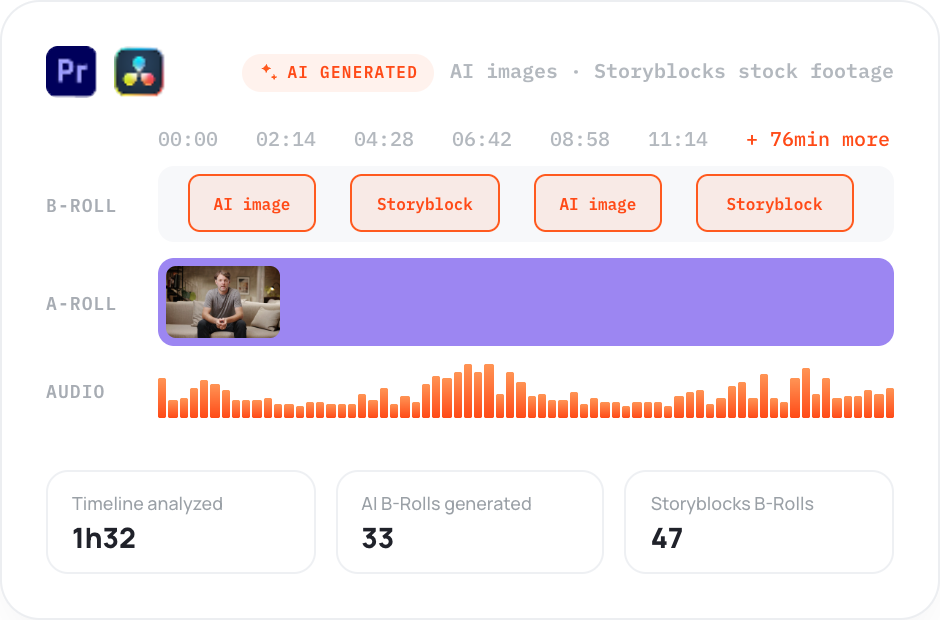
AutoB-Rolls
Add relevant AI images and Storyblocks footage directly to your timeline.
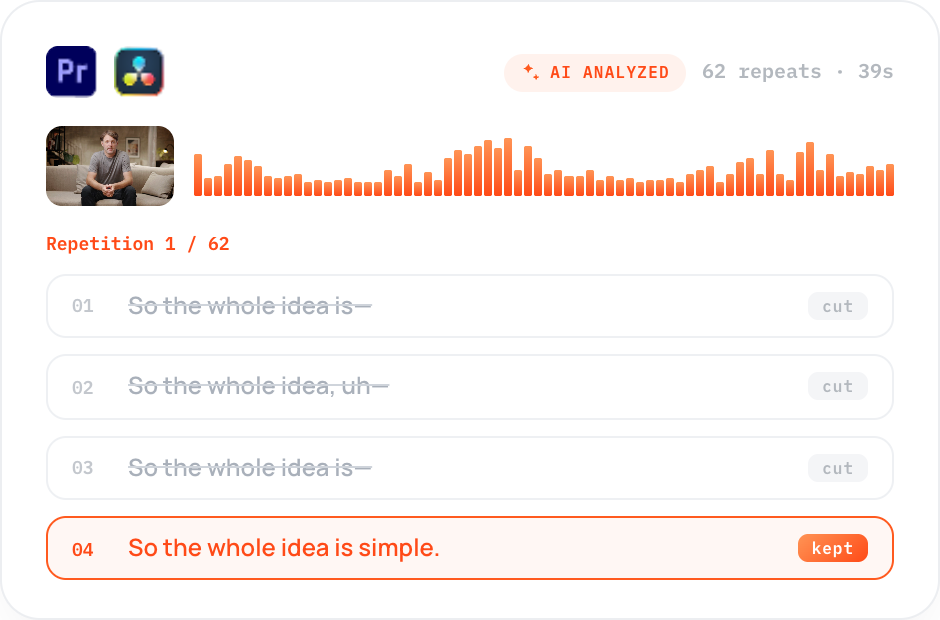
AutoCut Repeat
Detect repeated takes and keep the best version without scrubbing through every attempt.
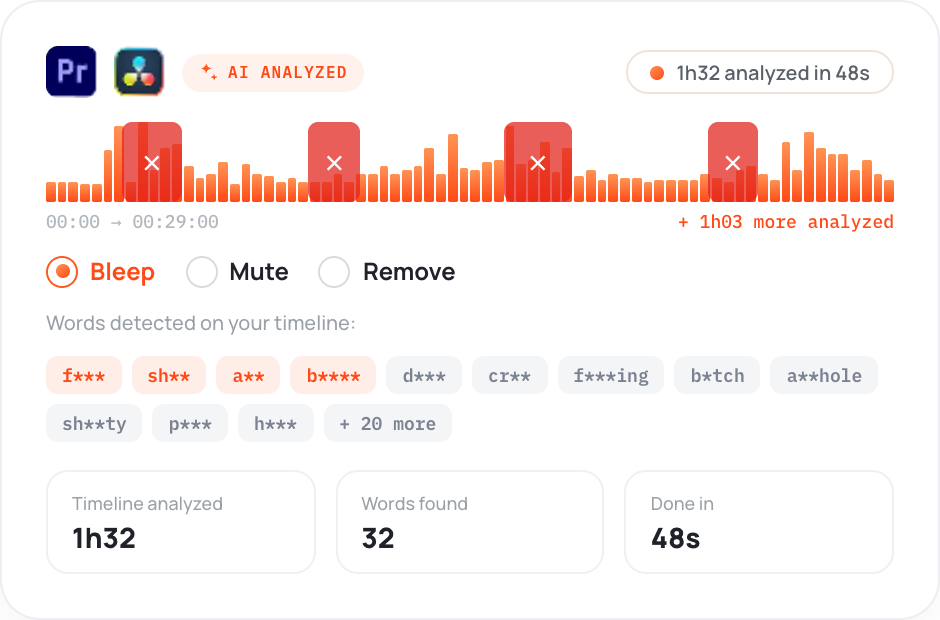
AutoProfanity Filter
Find profanity and bleep, mute, or remove it across your timeline.
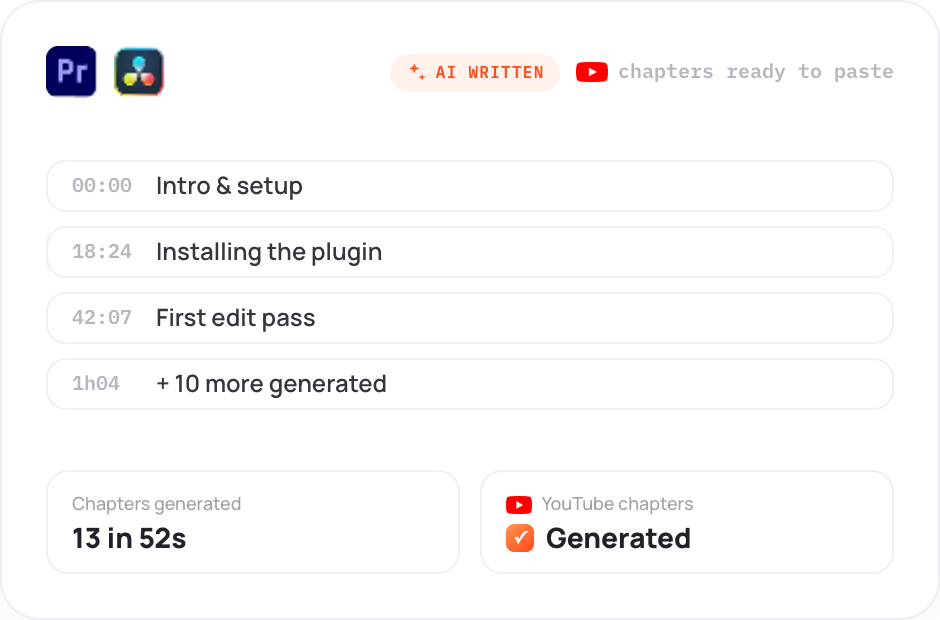
AutoChapters
Generate YouTube-ready chapters with timestamps, ready to copy and paste.
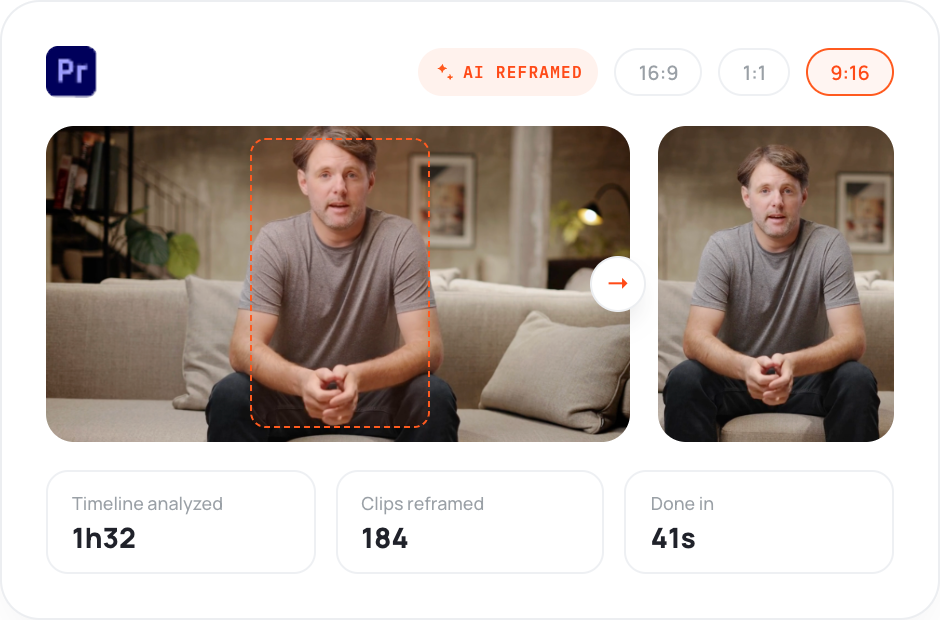
AutoResize
Reframe sequences for social formats while keeping your subject centered.
AutoCut works directly inside Premiere Pro and DaVinci Resolve. No bouncing files between apps. No re-imports. No quality loss—just one continuous workflow.
14-day free trial • No credit card required • All features included
 AutoCut
Video reviews
Watch professional editors put AutoCut to work and explain where it saves them time.
From cutting silences to captions, podcast editing, viral clips, and much more, AutoCut automates every repetitive step of the editing process, making your entire workflow dramatically faster.
Editor
I've used a ton of plugins and this one really fits inside of my professional editing workflow. It is amazing at removing the boring parts of editing so you can get to the creative part faster.
Editor & Youtuber
AutoCut is what I use for my video editing. It’s incredibly practical and saves me a huge amount of time in Premiere Pro. It's a must have for all editors.
Youtuber
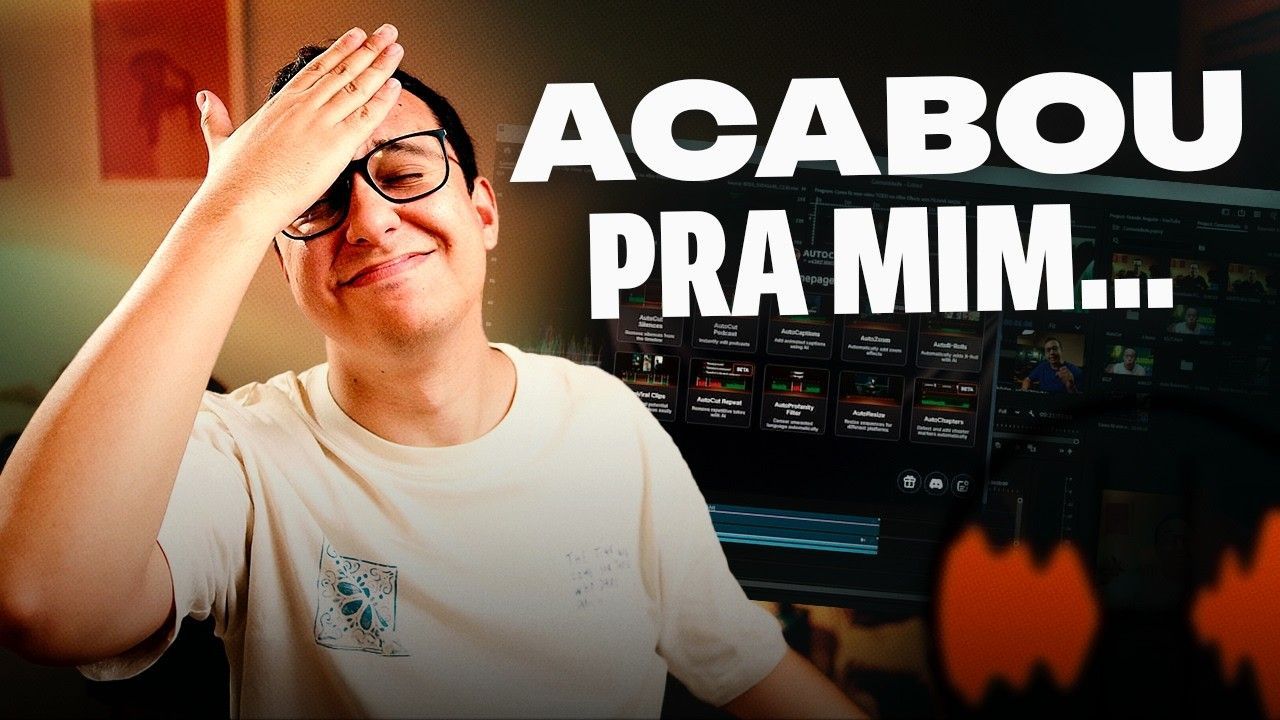
It’s a super interesting tool to explore. Once you start using it, you realize how much time it saves on repetitive tasks. Instead of getting stuck in long, manual edits, you can focus on the creative part of your projects.
Youtuber & Online School

AutoCut enhances video editing in Premiere Pro by automatically trimming silences and unusable parts. Features like Auto Zoom and AI editing save time and streamline workflow.
Youtuber
AutoCut is an all-in-one Premiere Pro extension that automates tedious editing tasks. With features like Auto Captions and Auto Profanity Filter, it streamlines workflow and saves time. Installation is quick, integration is seamless, and the tools work impressively, even under challenging conditions. Highly recommended for content creators seeking efficiency in video editing.
Youtuber

AutoCut is an all-in-one Premiere Pro extension that automates tedious editing tasks. With features like Auto Captions and Auto Profanity Filter, it streamlines workflow and saves time. Installation is quick, integration is seamless, and the tools work impressively, even under challenging conditions. Highly recommended for content creators seeking efficiency in video editing.
Youtuber

I've been waiting for this extension on DaVinci Resolve for years! For each of my YouTube videos, I used to spend over an hour removing all the silences. With this extension, I’ll be able to free up a lot of time to focus on the creative and artistic side. It’s going to change everything for me!
Youtuber
AutoCut is an incredibly effective plugin. It saves me a huge amount of editing time. And now that the interface is available in Italian, the experience is even smoother. Truly a game changer!
Youtuber
This is the most professional plugin I’ve ever used. The amount of control and the attention to detail are unmatched.
Youtuber
This plugin is a real game changer for every video editor. It saves an incredible amount of time and completely transforms the workflow.
Youtuber
This might be the most insane editing tool for 2026. AutoCut completely changes the way editors work.
Youtuber
I really like AutoCut. Since I started using it, I haven’t done a rough cut myself. It already saved me about 7 hours. Editors who use AI work faster, more efficiently, and become far more competitive.
Youtuber

AutoCut is genuinely the best tool I’ve ever used for handling repeated takes. It’s incredibly practical and has become a core part of my daily editing workflow. Combined with its other features, it’s a truly powerful tool.
Youtuber
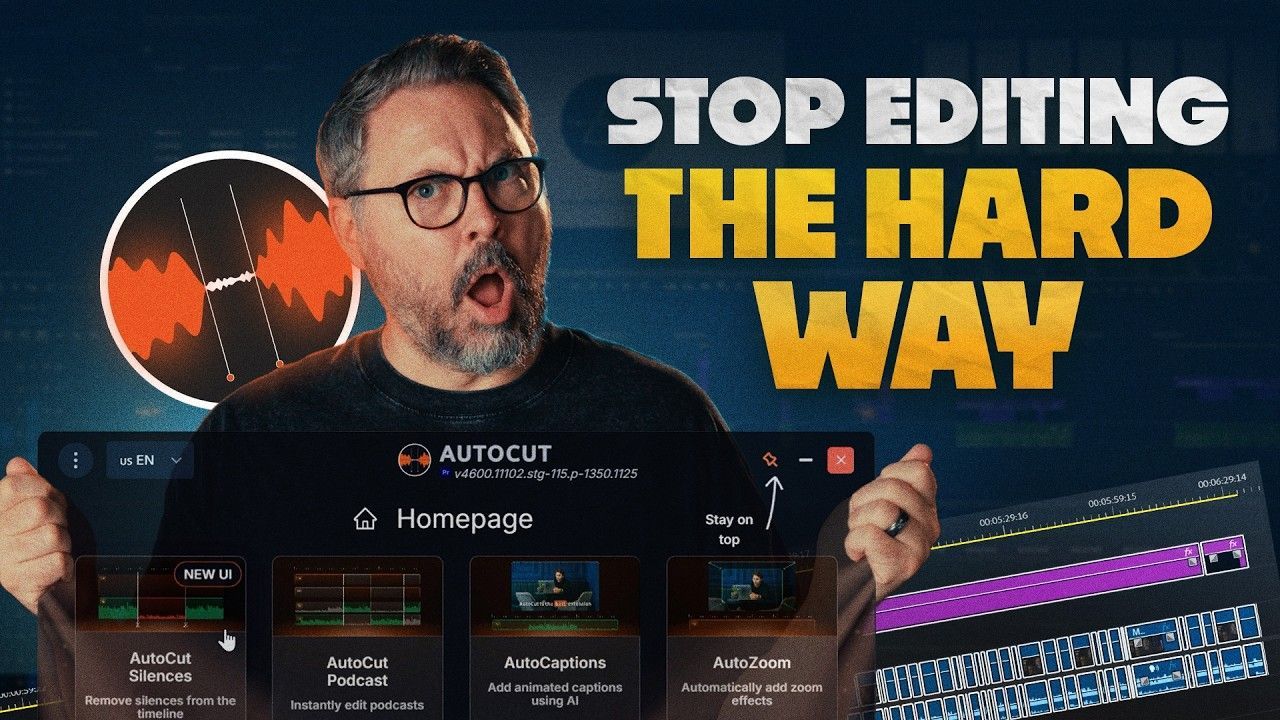
AutoCut takes care of a lot of the repetitive editing work for you. Whether it's removing silences or cleaning up dialogue, it can save a significant amount of time in the editing process.
Editor & Filmmaker
From cutting silences to captions, podcast editing, viral clips, and much more, AutoCut automates every repetitive step of the editing process, making your entire workflow dramatically faster.
Editor
I've used a ton of plugins and this one really fits inside of my professional editing workflow. It is amazing at removing the boring parts of editing so you can get to the creative part faster.
Editor & Youtuber
AutoCut is what I use for my video editing. It’s incredibly practical and saves me a huge amount of time in Premiere Pro. It's a must have for all editors.
Youtuber
It’s a super interesting tool to explore. Once you start using it, you realize how much time it saves on repetitive tasks. Instead of getting stuck in long, manual edits, you can focus on the creative part of your projects.
Youtuber & Online School
AutoCut enhances video editing in Premiere Pro by automatically trimming silences and unusable parts. Features like Auto Zoom and AI editing save time and streamline workflow.
Youtuber
AutoCut is an all-in-one Premiere Pro extension that automates tedious editing tasks. With features like Auto Captions and Auto Profanity Filter, it streamlines workflow and saves time. Installation is quick, integration is seamless, and the tools work impressively, even under challenging conditions. Highly recommended for content creators seeking efficiency in video editing.
Youtuber
AutoCut is an all-in-one Premiere Pro extension that automates tedious editing tasks. With features like Auto Captions and Auto Profanity Filter, it streamlines workflow and saves time. Installation is quick, integration is seamless, and the tools work impressively, even under challenging conditions. Highly recommended for content creators seeking efficiency in video editing.
Youtuber
I've been waiting for this extension on DaVinci Resolve for years! For each of my YouTube videos, I used to spend over an hour removing all the silences. With this extension, I’ll be able to free up a lot of time to focus on the creative and artistic side. It’s going to change everything for me!
Youtuber
AutoCut is an incredibly effective plugin. It saves me a huge amount of editing time. And now that the interface is available in Italian, the experience is even smoother. Truly a game changer!
Youtuber
This is the most professional plugin I’ve ever used. The amount of control and the attention to detail are unmatched.
Youtuber
This plugin is a real game changer for every video editor. It saves an incredible amount of time and completely transforms the workflow.
Youtuber
This might be the most insane editing tool for 2026. AutoCut completely changes the way editors work.
Youtuber
I really like AutoCut. Since I started using it, I haven’t done a rough cut myself. It already saved me about 7 hours. Editors who use AI work faster, more efficiently, and become far more competitive.
Youtuber
AutoCut is genuinely the best tool I’ve ever used for handling repeated takes. It’s incredibly practical and has become a core part of my daily editing workflow. Combined with its other features, it’s a truly powerful tool.
Youtuber
AutoCut takes care of a lot of the repetitive editing work for you. Whether it's removing silences or cleaning up dialogue, it can save a significant amount of time in the editing process.
Editor & Filmmaker
Pricing
Compare plans based on how much you edit—clear pricing, no hidden fees.
FAQ
Get clear answers on compatibility, licenses, usage limits, and cancellation.
AutoCut supports Premiere Pro 2023–2026 and DaVinci Resolve 18.6 or later. Both DaVinci Resolve Free and Studio are supported. Follow our step-by-step tutorial here.
Yes, but only on one computer at a time. Before switching, unlink the current computer from your license in your AutoCut customer area.
No. AutoCut has no time limit for video projects, so you can use it on both short and long edits. Automated safeguards prevent abuse, but normal editing workflows are unaffected.
Yes. Every AutoCut feature works with both DaVinci Resolve Free and Studio.
Yes. Cancel anytime from your customer area. You can resubscribe whenever you need AutoCut again.
About AutoCut
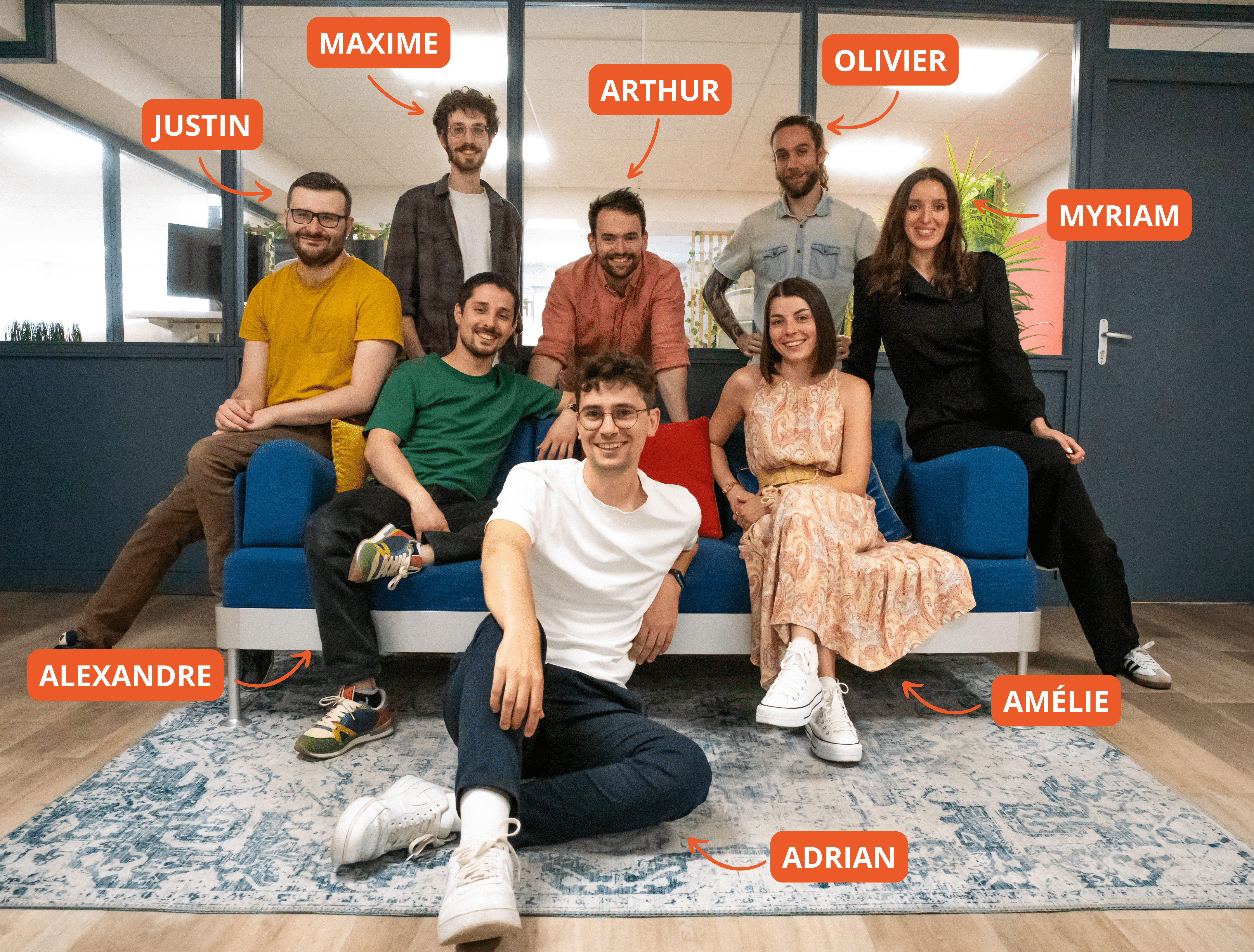
We’re a French team of video-editing enthusiasts building AutoCut alongside the editors who use it. Your feedback helps shape what we improve next.
Blog
Explore AutoCut tutorials, product updates, and workflow ideas you can use in your next edit.
Tutorial
2026-07-13
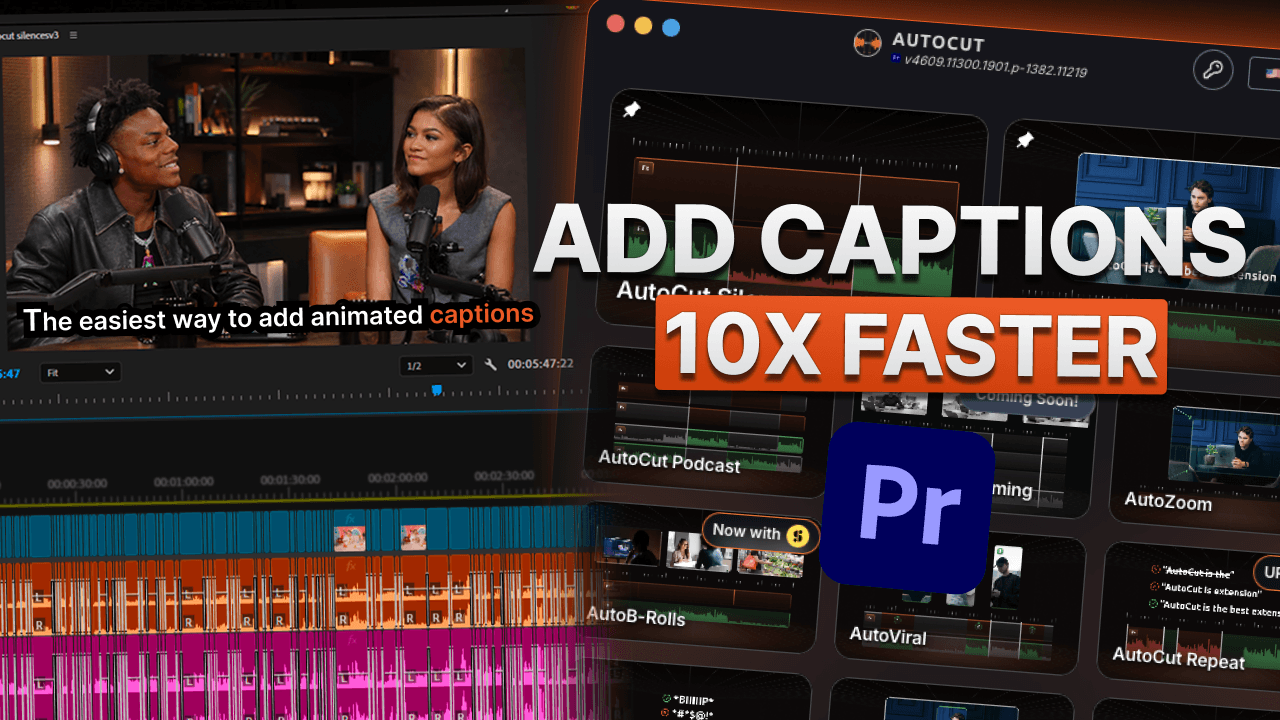
How to create animated captions automatically with AutoCut (2026 Guide)
Is there a way to create animated captions in Premiere Pro automatically? I've asked myself this so many times lately. Animated captions are increasingly replacing static subtitles, especially on social media, and keeping up with that shift really matters.
Update
2026-07-03
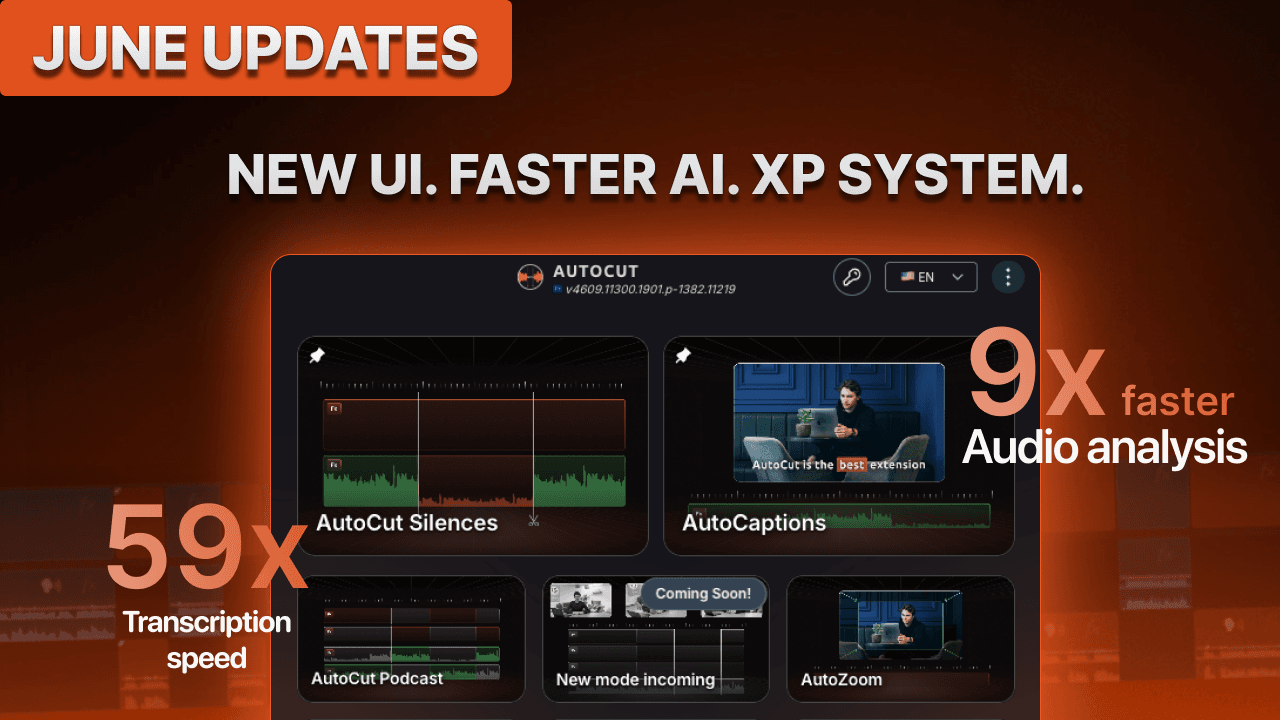
AutoCut June 2026 Updates: Faster AI, new UI & smarter editing
Explore the latest AutoCut improvements for Premiere Pro and DaVinci Resolve, including faster AI processing, a redesigned interface, and a more personalized editing experience.
Review
2026-06-05
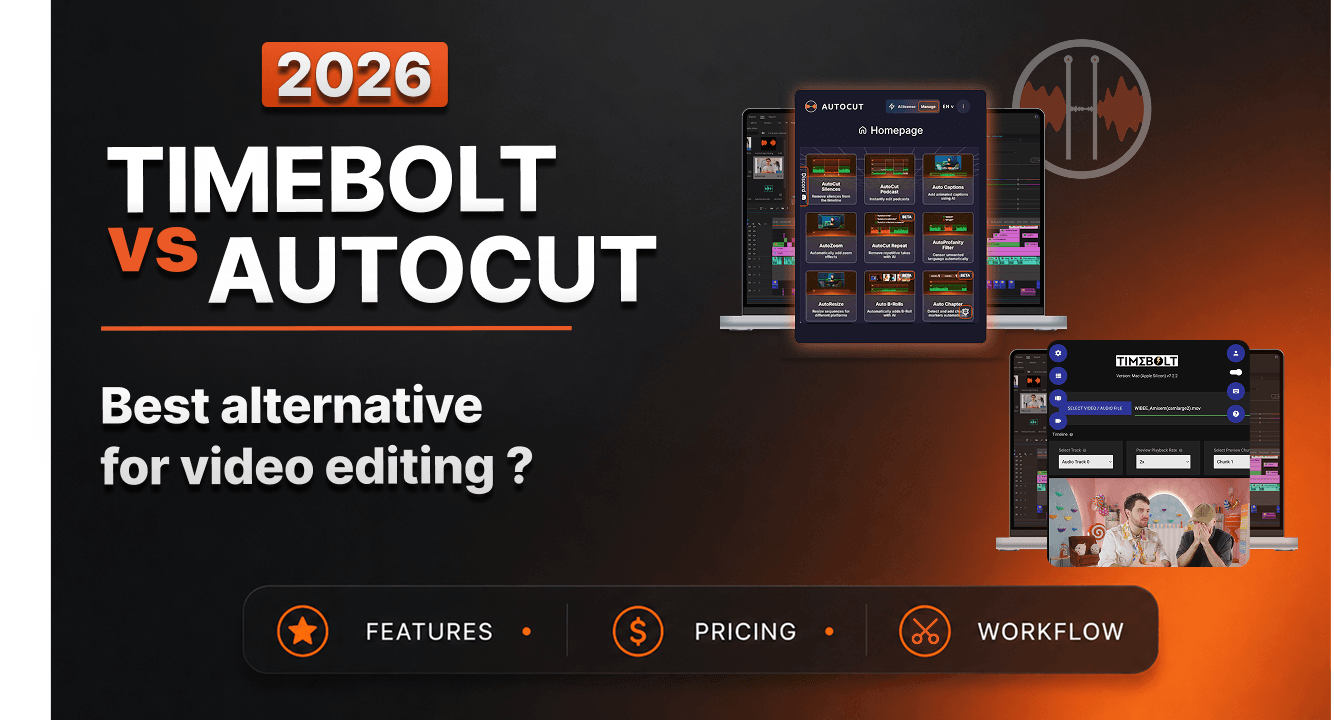
TimeBolt vs AutoCut (2026): The best TimeBolt alternative for video creators
Looking for the best TimeBolt alternative? Compare TimeBolt and AutoCut side-by-side for silence removal, captions, podcast editing, multicam workflows, YouTube content creation, pricing, and AI-powered editing automation.
Download AutoCut and try every feature free for 14 days. No credit card required.
Yearly
save 25%
Monthly


AI Plan


$19.8/month
$14.9/month
$178.8 billed yearly
 Secure checkout by Stripe
 StoryBlocks)
Enterprise Plan
$19.9/month
$238.8 billed yearly (477.6$)
Secure checkout by Stripe